Everyone's vibe coding.
Few are doing it right.
Agentic engineering is the discipline under the hype — spec, plan, dispatch agents, and ship a deployed app. Learn the real workflow seniors actually use — start tonight with the full workshop replay.
Batch 3 has wrapped and we're still finalizing the date for the next batch. Register today and you don't wait for it — you get immediate access to the full member library, including the Agentic Engineering Workshop replay, plus your seat in the next batch the moment it's scheduled.
Vibe coding isn't broken.
The way most people do it is.
Vibe coding leans on AI to build fast — prompts and judgment instead of typing every line. It works, until these four traps catch you.
Copy prompts and pray
You paste a prompt from Twitter, hope for working code, and have no idea what to do when it breaks.
Hallucinated code that ships
AI invents libraries, methods, and APIs that don't exist. You commit them. Production explodes.
Can't debug what AI wrote
When the LLM gives you a 200-line file you don't understand, every bug becomes a black box.
Tutorial-purgatory, never shipped
5 to-do apps. 3 weather apps. Zero deployed products. Zero career-worthy work in your portfolio.
If any of these sound like you,
you're in the right place.
Agentic engineering clicks fastest for five kinds of developer. Read each card honestly — if more than one lands, you're exactly who this session is built for.
The Big Tech curious
You want to see how senior engineers at Big Tech actually use AI day-to-day — not the Twitter version.
The agentic-workflow upgrader
You're already coding with AI. You want to stop prompting reactively and start directing it like a senior engineer.
The 'is this safe to ship?' worrier
You build fast with AI but never sure — is my app safe? Is the code good? Is it really ready to deploy?
The frontier-model power user
You want Claude Opus 4.7 and Codex GPT-5.5 driven all the way through a real build — pair-programming, debugging, shipping.
The AI-as-chatbot dev
You use AI as a coding chatbot today. You want the conversational, agentic style that turns chat into shipped products.
Sounds like you?
Join the academy and start today — the full workshop replay and the member library unlock as soon as your payment is verified, and your seat in the next batch comes with it.
Not sure if it's for you? Email alkein.developments@gmail.com — we'll tell you honestly.
Vibe Coding the Right Way means:
Not slower. Not stricter. Just sequenced — so you keep AI's speed without losing the engineering judgment that ships real products.
- 01Write a spec before the prompt — and let AI execute against it, not guess
- 02Turn vague ideas into reviewable plans AI can actually follow, step by step
- 03Direct AI like a junior engineer — instead of begging it like an oracle
- 04Spot hallucinations live, debug AI-generated code, and ship code you understand
- 05Walk out with a deployed app on your own repo, with a live URL
- 06Keep the spec, plan, and prompt templates — your toolkit for every build after
Spec it. Build it. Ship it.
This is agentic engineering — not slower, just sequenced. We move fast, with intent: one live session, three deliverables, one live URL on your repo by the end.
Spec & Plan
“Start with a spec, not a prompt”
- Write spec.md the AI can execute against — together, live
- Dispatch a planning subagent to pressure-test scope before any code
- Walk out with spec.md, plan.md, and a schema you trust
Build with AI
“AI is your junior engineer, not your magic wand”
- Direct Claude Code or Codex — your pick, live
- Subagent dispatch for parallel feature work · review every diff
- Auth + database + core feature on Next.js, Supabase, Tailwind
Debug + Ship
“You don't graduate without a live URL”
- Catch and fix AI hallucinations on the spot
- Polish, env vars, and a production deploy
- Push to Vercel — your live URL on screen
Set these up before the session if you want to build alongside live.
Skip the prep and you can still watch live and catch up on the recording — but you won't ship your own URL that day. ~15 min of prep total. Setup guide emailed after registration.
- ▸Claude Coderecommended
- ▸Codexrecommended
- ·Cursor / Windsurf / Antigravityfollow along works fine
Bring whichever you already pay for. The spec → plan → ship workflow is portable across tools.
- ✓Free GitHub account
- ✓Free Supabase account (DB + auth)
- ✓Free Vercel account (deploy)
Live with the instructor. Build alongside in your own repo. The spec, plan, and prompt templates are yours to keep — and reuse on every project after.
Plus, you walk out with what I actually use.
Two extras included with every seat. Not handouts — the real tools and workflow you can drop into your setup the day after.
Public & Personal Skills
The AI skills I actually use — public + private
You get my full skill library — the public ones I used and the personal ones I haven't released anywhere. Drop-in configurations for Claude Code, Cursor, and your daily AI workflow.
Current Team Workflow
Behind the scenes of how my team ships
A walkthrough of how my team actually uses AI in production: the tools, the rituals, the code-review and shipping flow.
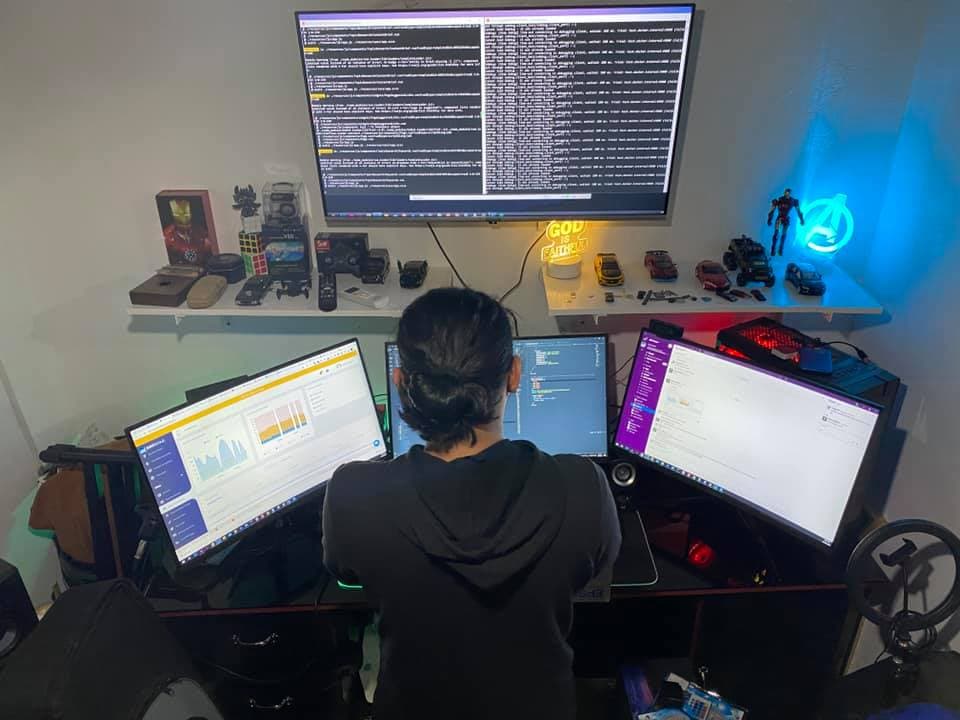
I've shipped for 8 years. Now I teach the AI workflow I use every day.
I'm not a coding influencer. I've been shipping production apps for SaaS startups and agencies across the US, Australia, Luxembourg, and the Philippines since 2018 — mostly Laravel and Vue, lately Next.js and Supabase.
Then Claude Code landed. I rebuilt my whole workflow around it — spec first, plan in phases, direct the AI like a junior engineer. The output went from prompt-and-pray to actually-shippable in days.
This workshop is that exact workflow. The templates, the prompts, the skills library, the way I review every diff.
Real words from Batch 1 & 2 attendees.
Unedited feedback from people who sat through the session and shipped something by the end of it.
solid workshop and excited to have more resources in this page bosing! :)
I built an AI-powered resume builder. I learned how AI can accelerate software development.
nothing but now that i know the fundamentals, i’ll start building. this is a very good session for someone who wants to start building their own app.
The workshop was very straight to the point and it just works! Kudos to coach!Built after the workshop →
work app, I like the debugging step as part of the workflow
I've learned Soo much in the Workshop cause I got too learn new skills about Ai that will help my work faster ,I Just Learn the agentic Ai can be enhanced using skills , so that you won't type manually anymore and then you can just call the skill
Free YouTube. Paid cohort.
Or one focused afternoon.
Most people pick between watching free creators for weeks or paying $1,500+ for a multi-week cohort. Both work — they're just optimized for different things. This workshop optimizes for one afternoon, one deployed URL, your own repo.
This workshop | Free DIY (YouTube + docs) | Paid cohort ($1.5k – $3k) | |
|---|---|---|---|
| Time to deployed app | One 2–3 hour session | Weeks — if you stick with it | 6–12 weeks, weekly sessions |
| Cost | ₱899 (~$16) | Free — costs your time | $1,500 – $3,000 |
| Spec → plan → ship workflow | Drilled live on your repo | Scattered across creators | Yes — over weeks of slides |
| Direct Claude Code / Codex demo | Live, on your real build | Per-creator, fragmented | Often model-agnostic |
| Debug AI hallucinations | Live, on the code you wrote | "Just retry the prompt" | Theoretical case studies |
| Live Q&A with the instructor | Built into the session | Comments section | Weekly office hours |
| Long-term community | Not the point | Discords if you find one | ✓ Where cohorts shine |
Honest take: if you want a months-long community and structured accountability, the cohort route is better. If you want one deployed app and the workflow that built it — by tonight — start here.
Before you enroll —
the questions everyone asks.
When is the next session?
What do I actually get if I register now?
What does “Vibe Coding The Right Way” actually mean?
Do I need prior coding experience?
How long does the workshop run?
What do I need to prepare before the workshop?
Which AI coding tool do I need? Do I need a Claude subscription?
What stack will we use?
Will I actually finish a deployed product in one session?
What if I can't attend live?
Why GCash and manual verification — not Stripe?
I'm outside the Philippines — how do I pay?
How much is the workshop?
How long until I get access after paying?
Can I get a refund?
Can my company pay for this?
Still have a question? Email alkein.developments@gmail.com
Stop guessing. Start vibe coding the right way.
Start tonight with the full workshop replay. You come away with a deployed app and the workflow that built it — reusable on every project after.